
Every dollar
approved, documented
and defensible.
SquareSync runs the whole money spine — work request, contractor bids, threshold-based board vote, award, invoice — on one platform, with a record the corporation keeps no matter who manages it.
Restoration · EmergencyBoard vote
Over $500 → board vote
approval.recorded · immutable
Illustrative screen. Maple Court is a fictional corporation; names and figures are invented.
Every trade, one workflow
The money spine
One flow, start to finish
Work request
Raised from a ticket, an inspection or a manager. Trade, priority and scope captured up front.
Contractor bids
Open or sealed bidding, with vendor insurance and WSIB checked before award — not after.
Board vote
Over the corporation's threshold, the award routes to the board automatically and every vote is recorded by name.
Award & invoices
Milestone invoices attach to the awarded amount, so approved and billed never drift apart.
Audit record
Awarded vendor, contract amount, approving directors and dates — exportable and permanent.
And it stays
Change management company and the record does not move. Access changes; history does not.
Why it's different
The corporation keeps the record
Boards hire and fire management companies. Records, history and the corporation mailbox should not leave with them.
Corporation-first tenancy
Each corporation is its own tenant with its own address, its own documents and its own mailbox — not a folder inside a management company's account.
westhaven.squaresync.ca
portland-mews.squaresync.ca
Handover, not migration
An operator grant is time-bound and revocable. When management changes, access ends on the date the board sets — the records, audit log and mail history stay exactly where they are.
Defensible by design
Threshold rules, recorded votes, approving-member reports and an append-only audit trail.
Ten roles, real scopes
From resident to platform admin, scoped to a unit, a corporation or a whole portfolio.
Canadian by default
Application data and corporation mailboxes held in Canada, with controls you can review.
The eleven modules
Everything the workflow touches
Corporations & units
Buildings, units, occupants, board officers and terms
Work requests & bidding
Open and sealed bids across 20 trades
Board approvals
Per-corporation thresholds and recorded votes
Service tickets
SLA timers, assignment, list and board views
Notices & violations
Progressive strikes, chargebacks, appeals
Operations & compliance
Tasks, contracts, manager reports, minutes
Vendors
Directory, ratings, insurance and WSIB expiry
Documents
Declaration, by-laws, insurance, unit files
Reports
Spend, SLAs, chargebacks, occupancy, Excel export
Owner portal
Requests, documents, notices, notifications
White-label
Your logo, colours and domain
Role matrix
Capability-level permissions per corporation
Underneath everything
A record that is structured, not scanned
Most condominium history ends up as PDFs in a shared drive and threads in a mailbox — searchable only by whoever remembers the wording. In SquareSync every approval, ticket, bid, notice and compliance package is a structured record with an owner, a timestamp and a corporation attached to it. That is what makes a two-year-old decision findable in seconds instead of an afternoon, and what makes a change of management company a date change rather than a data migration.
Every record is attributable, exportable and yours.
Every action carries the person, the role and the moment it happened
Filter spend by vendor, trade, corporation or approving director
Excel, CSV and a branded board package, on demand, without asking us
The corporation keeps its records when the operator changes
Built around the building
Software that knows what a corporation is
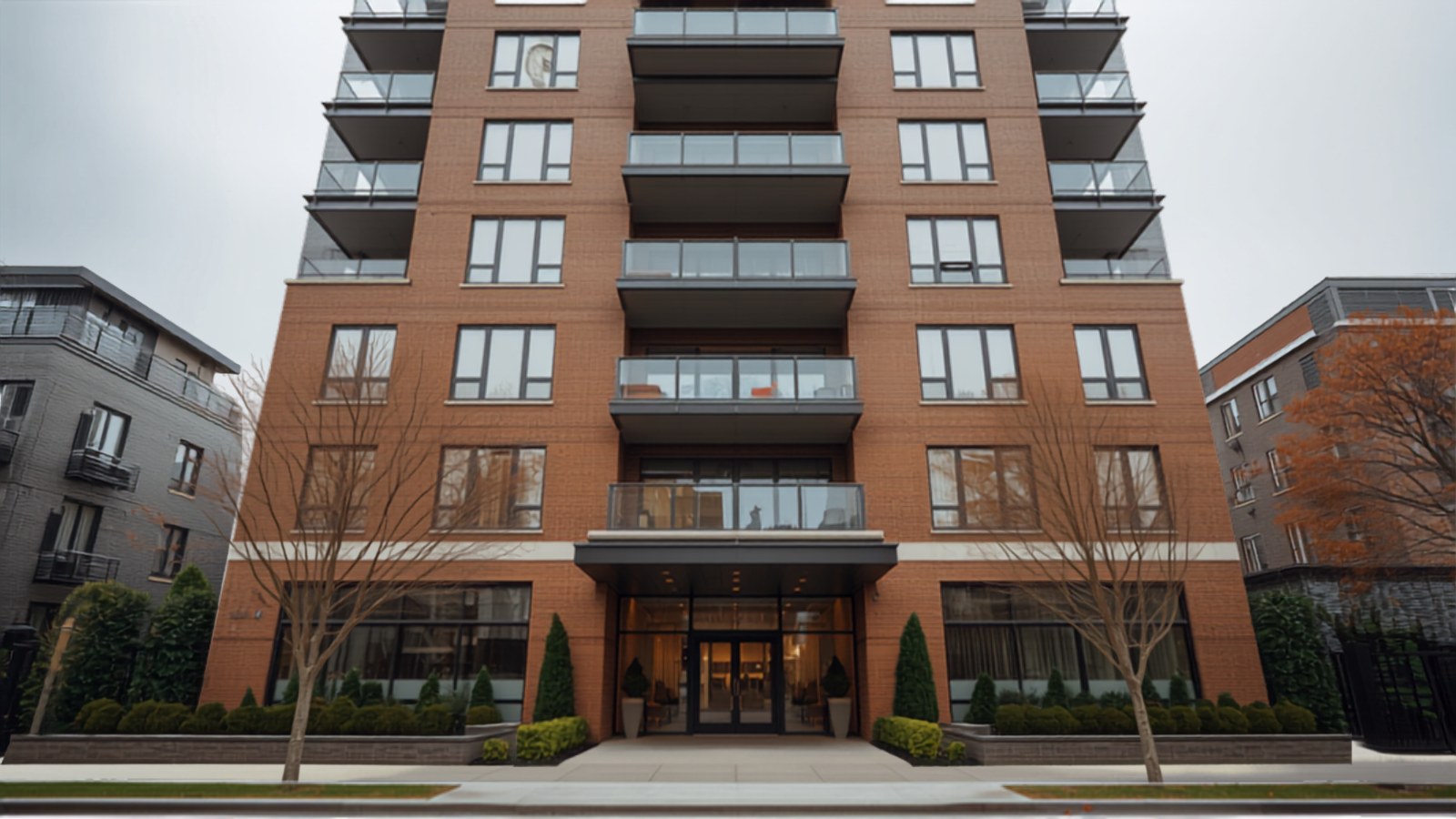
Most property software treats a building as a customer record. A condominium corporation is a legal entity with a board, a declaration, a reserve fund, statutory records and owners with rights — and SquareSync is built to that shape rather than around it.
- Board officers and terms, not a generic contact list
- Declaration, by-laws and rules as first-class records
- Ownership interest per unit, validated to 100%
- Progressive strike discipline with an appeal on record
- Statutory records kept to a retention schedule
run the image fetch script
The difference
How approvals work today, and how they could
Email, spreadsheets and hope
- Three quotes forwarded to five directors and a reply-all thread
- Nobody sure which quote was the final one
- Approval "recorded" in someone's sent folder
- Vendor insurance checked after the work, if at all
- Invoice arrives with no trace back to a decision
- Hand-over is a shared drive and a box of PDFs
- Auditor asks for the approval; nobody can find it
SquareSync
- Bids attached to one scope, comparable side by side
- Over threshold, the board votes in one place
- Each vote recorded by name, with a timestamp
- Compliance documents verified before the award
- Milestone invoices tied to the approved amount
- Hand-over is a date change, not a data migration
- The auditor gets one report and stops asking

Fits what you already run
We are not trying to replace your books
SquareSync owns the approval trail. Your accountant keeps the ledger, and approved spend flows across cleanly.
Product names are the trademarks of their owners.
The full platform
Everything a condominium corporation runs on, in one place
SquareSync is not a ticketing tool with a document folder bolted on. It is the operating layer for the corporation as a legal entity: the register of units and owners, the board and its terms, the declaration and by-laws, the money that leaves the account and the proof that someone with authority agreed to it.
Work requests and bidding
Every job starts as a work request against a corporation, with trade category, priority, location and scope captured before anyone quotes. Invite vendors from your directory or run a sealed bid where contractors cannot see one another's numbers. Insurance, WSIB clearance and trade licences are checked at bid time rather than discovered missing after the work is done. Bids stay attached to the original scope, so a board comparing three numbers is comparing three prices for the same job.
Board approvals and thresholds
Each corporation sets the dollar figure above which the board must approve. Below it a manager proceeds and the spend is still recorded; above it the award routes to the directors automatically, arrives with the scope, the bids and the manager's recommendation, and each vote is captured by named director with a date and time. Operating versus reserve allocation is recorded on the same decision, so the reserve fund story stays coherent at audit.
Tickets and service levels
Resident requests become numbered tickets with an assignee, a status and the response time the corporation has committed to. Tickets link to the work requests and vendors they generate, so a recurring complaint and the money spent answering it sit on the same thread. Managers see the queue across every corporation they operate; a board sees only its own.
Documents, notices and consent
Declaration, by-laws, rules, minutes, insurance certificates, reserve fund studies and unit-level files are first-class records under the corporation, kept to a retention schedule. Notices go out from the corporation's own Microsoft 365 mailbox, so they arrive looking legitimate, and electronic delivery consent is recorded per owner — including when it is withdrawn.
Vendor compliance
Contractors upload insurance, WSIB and licence documents once and reuse them across every corporation they serve. Expiry dates are tracked and warned on in advance, and an expired document can block a new award rather than surfacing in a claim six months later.
Owner and resident portal
Owners submit requests with a photo and a location, follow progress by ticket number, read their building's documents and notices, respond to a rule violation with the evidence in front of them, and book amenities where the corporation enables it. Owner accounts are invited and verified against the register, never self-registered.
Reporting and the audit record
Spend by vendor and by trade, open work, ticket volumes, chargebacks, contracts up for renewal, and the approval report an auditor actually asks for: awarded vendor, amount, approving directors and dates. Everything exports to Excel or a branded board package without a support request.
Multi-corporation operations
A management company sees its whole portfolio in one view and still keeps each corporation strictly separated underneath. White-label branding and a custom domain make the platform look like yours; the corporation-level tenancy means that when a management agreement ends, access changes hands and the records do not move.
Common questions
Before you book
What is SquareSync?
SquareSync is a condominium management and approval platform for Ontario condominium corporations and the companies that manage them. It runs the full spending spine — work request, contractor bidding, threshold-based board approval, award, milestone invoicing — alongside tickets, documents, notices, vendor compliance and an owner portal, on a record the corporation keeps regardless of who manages it.
Who is it for?
Three groups use it daily. Management companies run their whole portfolio from one place and keep their own branding and domain. Boards of directors approve spending and hold the record. Owners, residents and contractors get a portal of their own, at no additional charge.
Do we have to change how our board approves things?
No. You set your own threshold and your own board composition; SquareSync enforces what you already decided, and records it. Most boards keep their existing management agreement wording unchanged.
What happens to our data if we leave?
You export it — documents, structured data and the audit log — whenever you want, without asking us. Corporation records belong to the corporation, and that is written into the agreement.
Who can see what?
Ten roles with capability-level permissions scoped to a unit, a corporation or a whole portfolio. Owners see their unit and their corporation's public documents; managers see the corporations they operate; nobody sees another corporation.
Does each corporation get its own address?
Yes. Every corporation is reached at its own hostname — for example maplecourt.squaresync.ca — or a verified custom domain, with its own branding, its own security policy and its own Microsoft 365 mailbox for notices. The management company holds an operator grant on that corporation, and the board can revoke it.
Is it built for Ontario specifically?
Yes. Record retention, status certificate content, electronic notice consent, board composition and owner request handling are modelled on the Ontario Condominium Act, 1998 and its regulations. The platform supports those obligations; it does not replace legal advice.
Where is the data hosted?
In Canada, with corporation mailboxes in a Microsoft 365 tenant set to a Canadian data location. The security page sets out encryption, isolation, access control and audit logging in detail.
How much does it cost?
From $0.99 to $1.40 per unit per month depending on plan, billed to the operator, with a per-corporation minimum. Owners, residents and vendors are unlimited and free. Full pricing is published rather than quoted.
How long does it take to go live?
Under 30 days from agreement to daily use on a first corporation, including migrating units, owners, vendors and documents, on a runbook we publish.
See it on your own buildings
A 30-minute working session with a real work order from one of your corporations. No slide deck, no procurement maze.